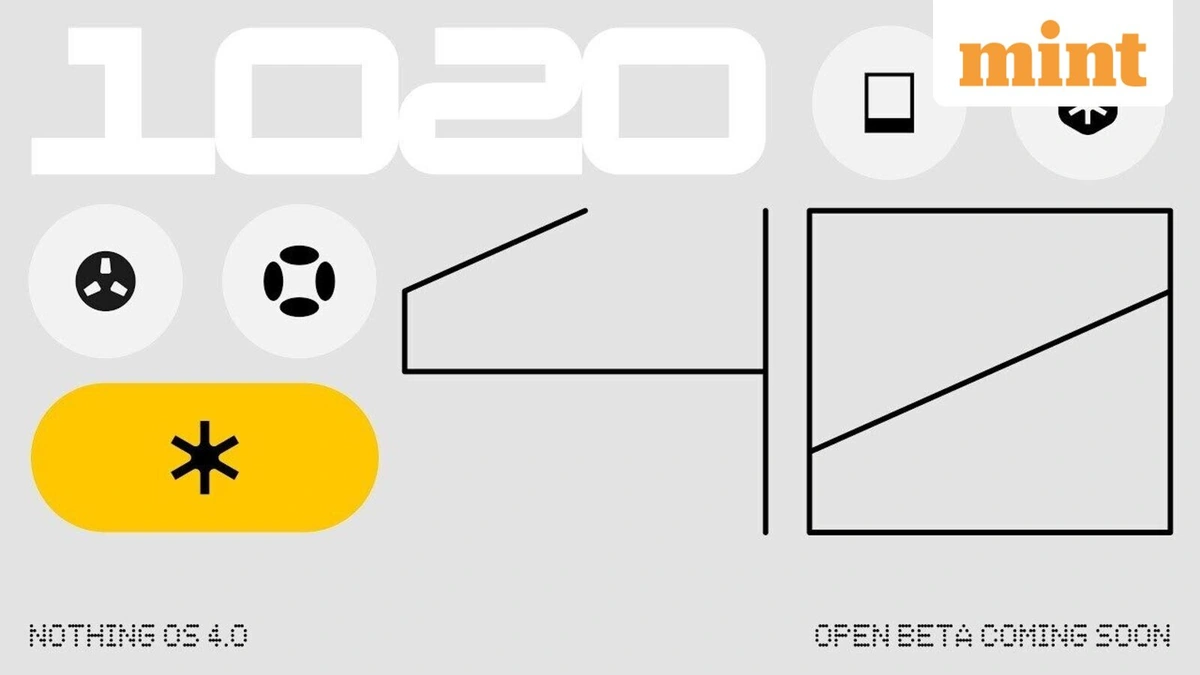
Okay, let’s be real. A new OS update can feel…underwhelming. Another settings menu shuffle? More bloatware? We’ve all been there. But Nothing OS 4.0 ? This feels different. It’s not just about bug fixes; it’s about a fundamental shift in how we interact with our phones. So, let’s dive deep, not just into what’s new, but why it matters to you, especially if you’re rocking a Phone (1) or Phone (2). Think of this as your friendly neighbourhood tech analyst breaking down the update in plain English. I initially thought it was just another incremental upgrade, but then I realized…this is a game changer.
Why Nothing OS 4.0 Matters | Beyond the Hype
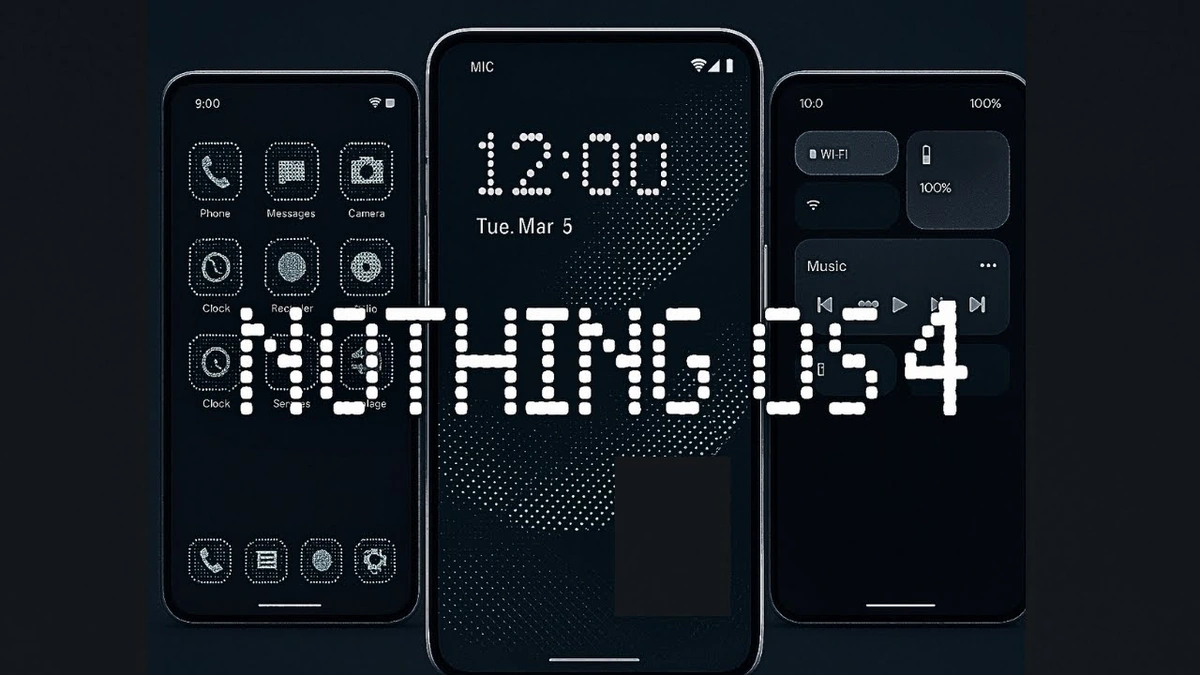
Here’s the thing: most OS updates are about keeping up. This is where Nothing goes in a different direction. According to their official communication, Nothing OS 4.0 is about streamlining, personalizing, and, dare I say, making your phone… fun again. But the question is, why now? What’s the underlying strategy? What fascinates me is how they’re doubling down on their design language. The glyph interface isn’t just a gimmick; it’s becoming increasingly integrated into the core functionality. They’re betting big on a distinctive user experience, which, in a world of increasingly similar smartphones, is a pretty bold move. They’re also addressing key concerns around privacy and customization, giving you more control over your data and your phone’s appearance. This is more than a software update; it is their vision of the future user interface.
What’s more, this update is designed with efficiency in mind. Battery life improvements , optimized app performance, and reduced bloatware are all core goals. For Indian users, this is particularly crucial, as we tend to hold onto our devices for longer and value smooth, reliable performance above all else. The commitment to reduced battery consumption is a great move. This focus on practical benefits is what sets Nothing apart, making the Phone (2) and the original Phone (1) even more appealing.
Diving Deep | Key Features and Changes
So, what’s actually in Nothing OS 4.0? Let’s break it down. First, the visual overhaul. The glyph interface gets a serious upgrade, with more customization options and deeper integration with core apps. Imagine using the glyphs to monitor your charging progress, control music playback, or even receive notifications – all without unlocking your phone. It’s a subtle but powerful way to stay informed without constantly staring at the screen. I’ve personally found it really helpful to check the charging progress , which is a welcome addition. Plus, there are new widgets, redesigned icons, and a generally cleaner, more minimalist aesthetic. The goal? To reduce distractions and help you focus on what matters. This new interface is a huge upgrade.
Then there’s the under-the-hood stuff. Improved performance, better battery life, and enhanced security features. Nothing has also promised faster app launch times and smoother animations. They have also increased the data privacy , so you don’t have to worry about losing your personal data. What’s more, the new OS includes updated camera algorithms for better image processing, especially in low-light conditions. As per their official website, expect a noticeable improvement in overall performance and responsiveness.
Plus, for those of us deeply invested in customization, Nothing OS 4.0 introduces a new level of control. You can now customize everything from the home screen layout to the app drawer, tailoring your phone to your exact preferences. It’s truly a personalized experience. I initially thought customization wasn’t a big deal for me, but the depth of options here is genuinely impressive. This is important in today’s phone landscape.
How to Get Ready for Nothing OS 4.0
Alright, let’s get practical. You’re itching to install the latest Android OS , but how do you prepare? First, back up your data. I can’t stress this enough. Back up everything – photos, videos, contacts, documents – before you even think about hitting that update button. Use Google Drive, a local backup, or whatever works for you, but make sure your data is safe. You can visitAndroid’s website for more details.
Next, make sure you have enough storage space. Nothing OS 4.0 is a significant update, so you’ll need a decent amount of free space to download and install it. Clear out any unnecessary apps, photos, or files to make room. Trust me, it’s better to do this before you start the update process, not when you’re halfway through and your phone is screaming at you. Ensure that you have enough space for a smooth installation. Also, check your Wi-Fi connection . A stable, high-speed connection is crucial for downloading the update without interruption. Nobody wants a failed update halfway through. This will ensure everything goes smoothly.
Finally, be patient. OS updates can take time, so don’t panic if it seems like your phone is stuck. Just let it do its thing, and don’t interrupt the process. Once the update is complete, take some time to explore the new features and settings. You might be surprised at what you discover.
Troubleshooting Common Update Issues
Let’s be honest, updates don’t always go smoothly. So, what do you do if something goes wrong? A common mistake I see people make is trying to force the update. If your phone is stuck or frozen, don’t start randomly pressing buttons. First, try a simple reboot. Hold down the power button until your phone restarts. If that doesn’t work, you might need to perform a hard reset, but be careful, as this can erase your data. I would recommend speaking to customer support.
Another common issue is app compatibility. Some apps might not work properly after the update. If you experience this, try updating the app from the Google Play Store. If that doesn’t work, you might need to contact the app developer or find an alternative app. In rare cases, you might need to perform a factory reset, but this should be a last resort. Remember to back up your data before you do anything drastic. If you want to find ways to troubleshoot update issues , you can visitAndroid Authority for more details.
And, as always, refer to the official Nothing support channels for the most up-to-date information and troubleshooting tips. They’ve got a pretty active community and are usually quick to respond to questions and concerns.
The Future of Nothing | What’s Next?
So, what does Nothing OS 4.0 signal about the future of Nothing? It’s clear that they’re not just building phones; they’re building an ecosystem. They’re investing heavily in design, user experience, and integration. And they’re not afraid to take risks and challenge the status quo. Whether you are using thecurrent Nothing Phone or want to invest in the next generation, there is something for everyone.
What I find most exciting is their commitment to transparency and community involvement. Nothing is actively listening to feedback and incorporating it into their products and services. This is a refreshing change from the secretive, top-down approach of many other tech companies. As per their official forum, they’re planning to release even more customization options and features in the coming months. That said, there are rumors about the potential release date of the Phone 3 release .
Ultimately, Nothing’s success will depend on their ability to continue innovating and delivering a unique, compelling user experience. But based on what I’ve seen so far, I’m optimistic about their future. They’re building something special, and I’m excited to see what they come up with next. And if you are interested in using another device,Google also has other similar devices .
FAQ
Will Nothing OS 4.0 be available for Phone (1)?
Yes, Nothing OS 4.0 is confirmed to be rolling out to both Phone (1) and Phone (2) devices.
How long does the update usually take?
The update process can take anywhere from 30 minutes to an hour, depending on your internet speed and device performance.
What if I encounter bugs after updating?
Report any bugs you find through the official Nothing support channels. They’re actively tracking and addressing issues.
Can I revert back to the previous OS version if I don’t like the update?
Rolling back to a previous OS version is generally not recommended and can be risky. It’s best to stick with the update and report any issues you encounter.
Will this update erase my data?
While the update process shouldn’t erase your data, it’s always a good idea to back up your important files before proceeding.
Is the Glyph Interface further improved in this update?
Yes! The Glyph Interface gets a significant upgrade with more customization options and deeper integration with core apps.